

Stuck to the screen
Prototype


The number of screen time people spend working, attending classes and meetings, as well as for entertainment and other purposes, is growing. The aim of this project is to create a product/ service/ application that improves people’s screen time by tracking their daily screen usage and making them take regular breaks.
Research
Consumer
study
Ideation
Chapter 1
Effects of using screen for long hours
Sitting in front of the screen continuously for long hours affects our body and mind in multiple ways.


Depression
Workload
Stress
Loneliness


Body movement
Decreased movement
Obesity
Body pain
Virtual workout platforms


Self-esteem
Comparison
Negative self-talk
Body image issues

Sleep
Insufficient sleep
Depression
Anxiety


Chapter 2
Tools to track screen time
-
Appdetox
-
Freedom
-
Moment
-
Zenscreen
-
Break free
-
Social fever
-
Dinnermode
-
realizd
-
Space
-
Offtime
-
Antisocial
Some of the apps which are in market to monitor screen time.
-
Reminders
-
Set app timer
-
Give challenges to the consumers
-
Give rewards
-
Include another person
-
Block calls, notifications and texts
-
Rules
-
Meal time
-
Sleep time
-
Provide detailed reports
What services does the existing apps provide
-
Mental health.
-
These apps are not able to create long term habits as people can easily enable and disable the timer.
-
One cannot use these apps during class.
-
Does not help to calm the user’s mind.
What services the existing apps do not provide

Chapter 3
Ways to improve screen time
There are multiple ways through which one can improve their screen time routine.

Taking Breaks
Taking breaks can help a person work more efficiently and get rid of fatigue and sleep disorders.


Color Psychology
Use of colors can also affect our mental health. Blue and green color are said to be calming and restful.

Meditational music
The combination of music and meditation is believed to be conducive for a student, a working professional, and others

Chapter 4
Consumer survey


15-18 hours
6-8 hours
8-10 hours
11-14 hours

All of above
Tablet
Smart phone
Laptop

51.5%
39.4%
people spend 11-14 hours on screen per day
people spend 8-10 hours on screen per day
42.4%
people spend more time laptop
54.5%
people spend more time on smart phone
Majority of people have more than 8 hour of screen time. People find it difficult to take a break away from screen. People of different professions and age-groups spend different time period on screen.

Chapter 5
Personas

Akash Kahlon is a mathematics teacher and has been teaching for more than 20 years. He is married and has 2 kids. He is very passionate about his teaching job and sees it as his responsibility to create a positive experience for his students. He has to speak continuously for more than 9 hours. He has sour throat, body ache, eyestrain. He has very less time to take breaks. He has to monitor each student’s work online an sit in front of screen for more than 9 hours
Akash Kahlon
Age - 29


Chapter 6

Sonam is a fashion design student studying in NIFT Bengaluru. She is in 4th semester. She lives in 1bhk flat with her friend. She tends to spend a lot of time on her laptop for attending classes and doing work. She has to sit in front of screen for more than 8 hours. She suffers from headache, shoulder pain, back pain, neck pain and she cannot focus much on the lecture. She watches web series ( screen ) in her break time.
Sonam Jha
Age - 21
Ideations
After performing primary and secondary research, analysing the data, and making personas, I tried to find multiple solutions which can help people to manage their screen-time.


Ideation 1
An app which can be used independently and in collaboration with online meeting applications such as Zoom, Microsoft teams, Google Meet. The app makes people on Zoom to take a break of 5 minutes after 1 hour. A satisfying video of blue and green color will play on the screen with meditational music. Which will help people to close their eyes and calm down. This app helps both students and teacher to relax.
Target area- mental health, students, teachers, meditation
Ideation 2
An app that will be linked between students and teachers. The app will set a daily challenge of breaks from the screen. The report on this challenge will be sent to the teacher. If the student succeeds, they will earn three credits which will be added to their yearly account. The students can even have competition among themselves that has made the most credits.
Target area- challenge, the feeling of accomplishment



Ideation 4
An app that has scheduled breaks. This app allows one person to add their loved ones onto the screen. During the break, when you are feeling lonely. One can send a heart sticker to their loved ones, and they reply to them. With this slight gesture, one will not feel lonely.
Target area- loneliness, depression, small efforts
Ideation 3
An app which will give the person or all participants of the meeting a hypnosis break. In which a calming voice will give people positive & motivational messages such as you are focusing on the lecture, you are beautiful, etc. The app can also guide people to do basic neck and eye exercises.
Target area- hypnosis, self-love, self-criticism, exercises.


Ideation 5
An app in which daily challenges will be set. If the person succeeds, they will get to choose vouchers which they can use to buy stuff.
Target area- challenge, the feeling of accomplishment

I finally worked on ideation 2 and 5 for this project. An app for students to track their screen usage, look at other people's scores, complete challenges and win rewards.


Chapter 7
My approach
Avatars
Rewards
Function of the app


The app tells the student about their screen time with specifications like app usage, etc. The app is like a classroom, so all the students are linked there. They can see each other's scores and rank.
The app will show the most used apps, and one can put them on a block list. They have different settings like screen mode- dark or light, warning time, etc. The app will warn the user before switching off the screen. And when the screen is off, one can choose to listen to meditational music and a satisfying blue-green video as it has psychological effects on us.
Screen time tracker
Timer
Avatars
App usage


Challenges
Features
Bhogi
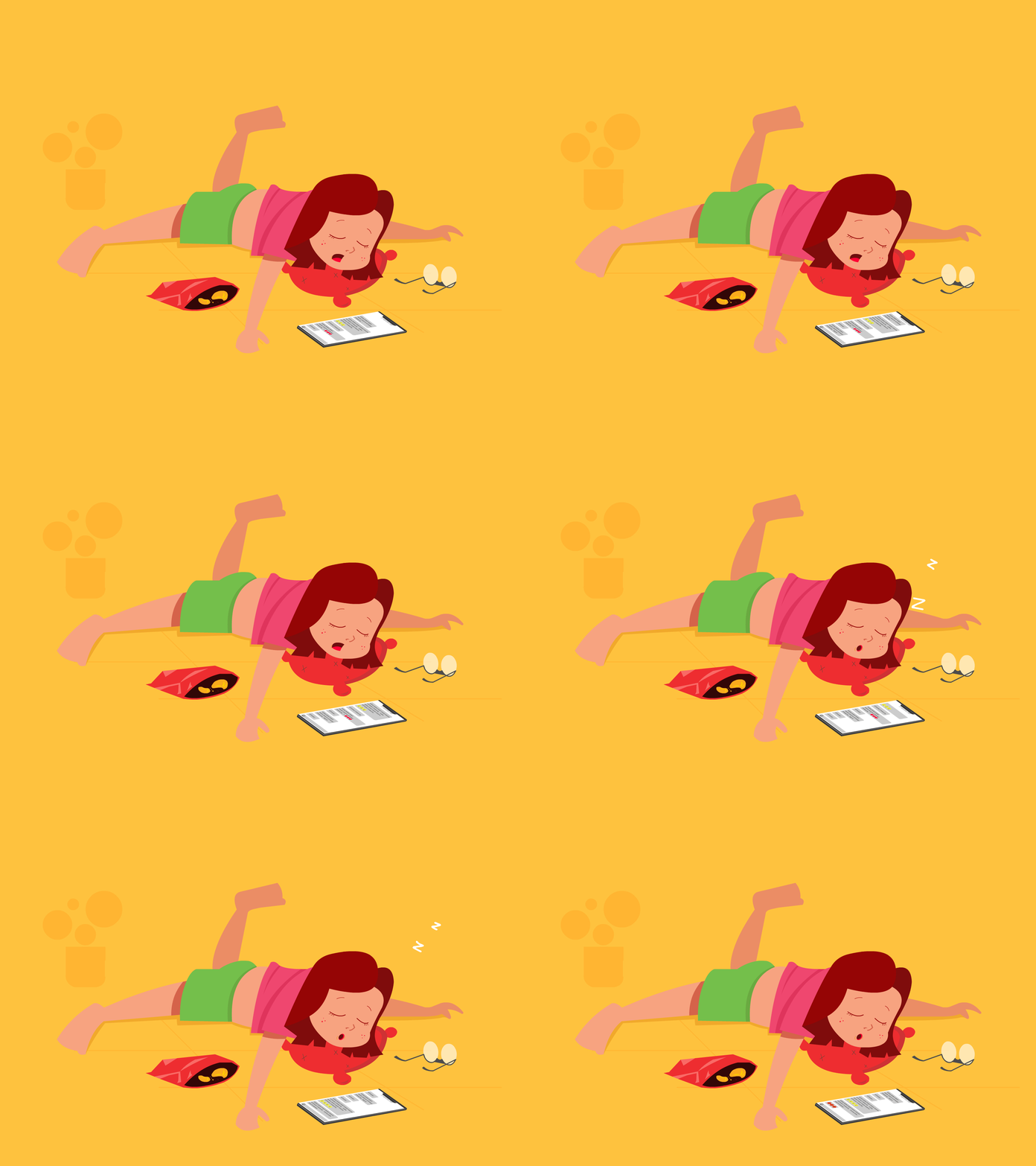
To make the app more interesting, I put avatars that would show the person’s screen time status. For that, I picked Yogi, Rogi, and Bhogi, used in the Indian scriptures to symbolize a person’s balance of mind. So, I wanted to use these symbolic terms in the app. The person who spends much time on screen and does nothing about it will be shown as Bhogi. The person who tries to reduce their screen time as Rogi, and the person who has achieved the balance between his time on and off screen, as Yogi.
Yogi
Rogi



Chapter 8
Wireframe
Firstly, I created a low-fidelity wireframe for the app to understand its functions, working, etc.


Chapter 9
Design
About the logo
Circles have no beginning or end. They represent the eternal whole and, in every culture, are an archetypical form meaning the sun, the earth, the moon, the universe, and other celestial objects between. Because they are less common in design, they work well to attract attention, provide emphasis, and set things apart. Triangles can be stable when sitting on their base. They are balanced and can symbolize law, science, and religion.
Colors
Typeface

Name of the app- Balance


Pantone 7465 C
Pantone 7465 C
Pantone 7465 C


Chapter 10
Final design
I created the screens and made a working mockup using AdobeXd. I chose a darker color palette as dark mode is intended to reduce blue light exposure and help with eye strain that comes with prolonged screen time.


For other devices


